Hi, nick983800 I tried using the JCE editor, but it still trims the content containing the iframe tag. Please try using the CodeMirror editor instead; it will display the iframe in your article.
Regards,
saguaros
I tried but it seems invalid.
Nicholas
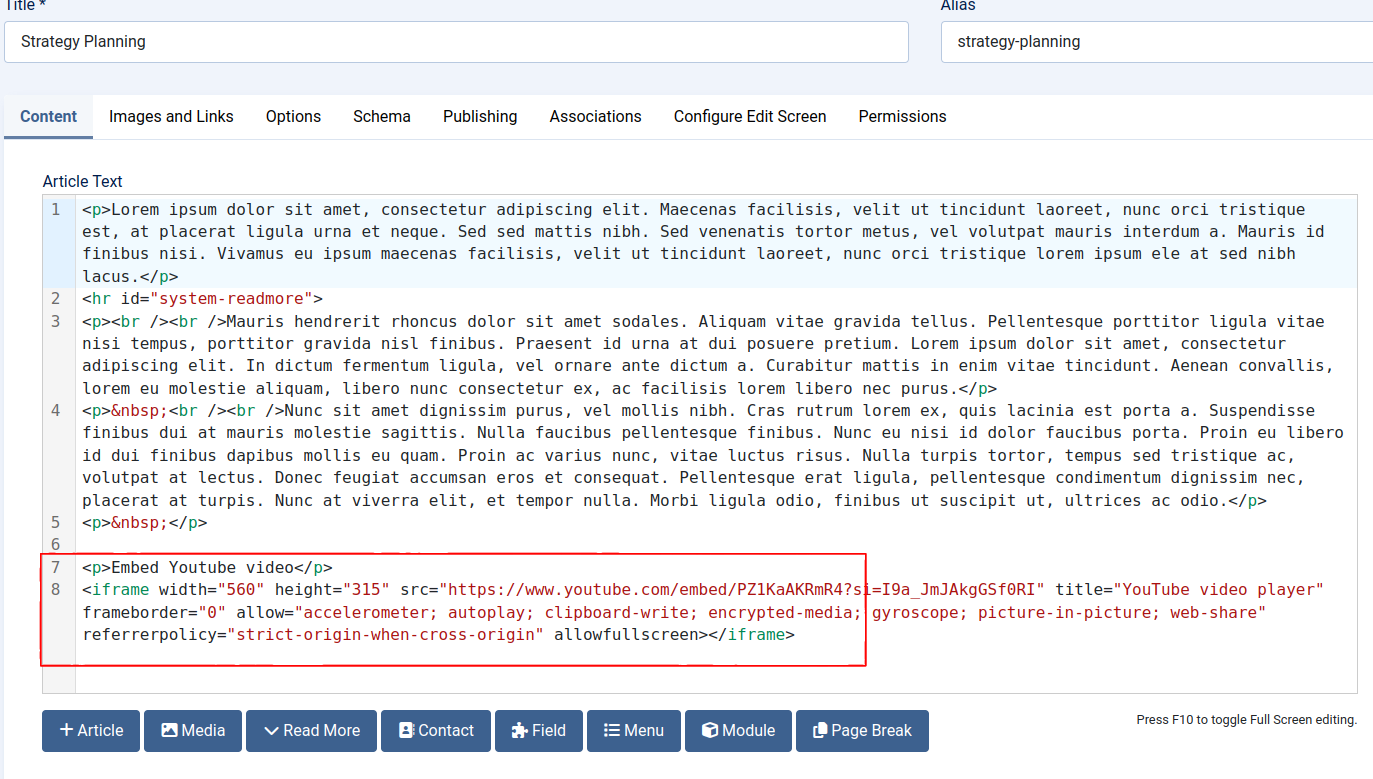
Hi, nick983800 Would you plese show me the Iframe content in the Article Editor in administrator and frontend page so I can help? Regards,
vangogh
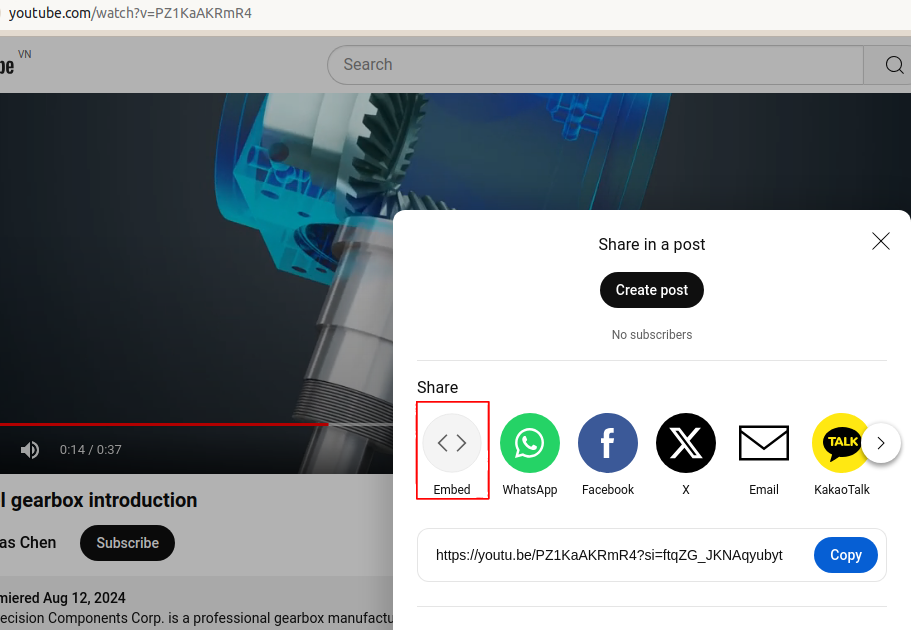
Here you can het the iframe code from the youtube video: https://youtu.be/PZ1KaAKRmR4
Hi, nick983800
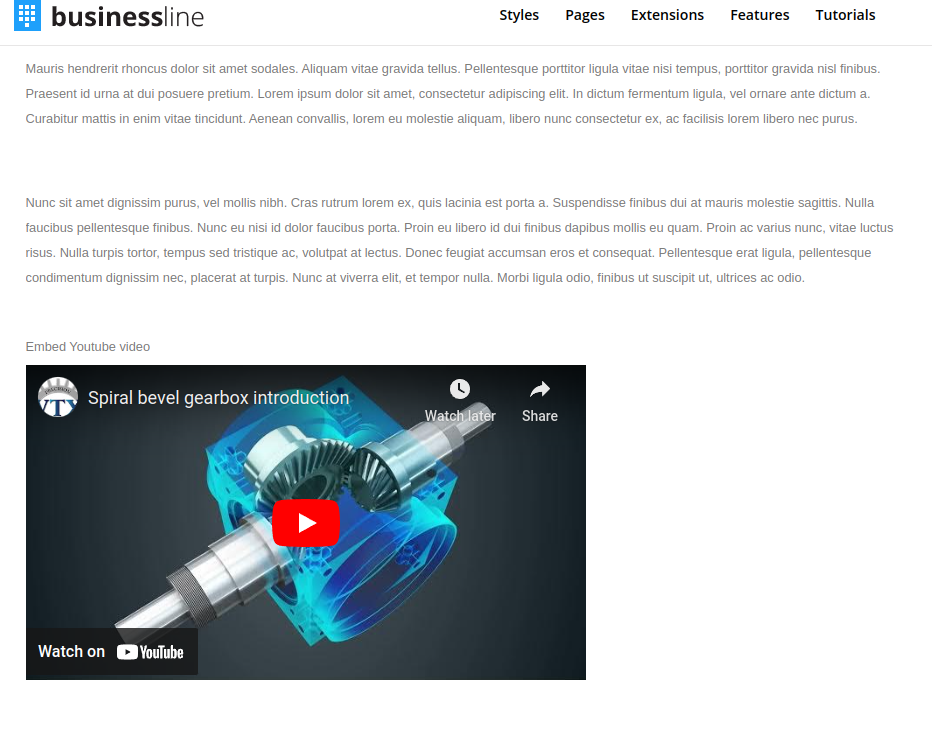
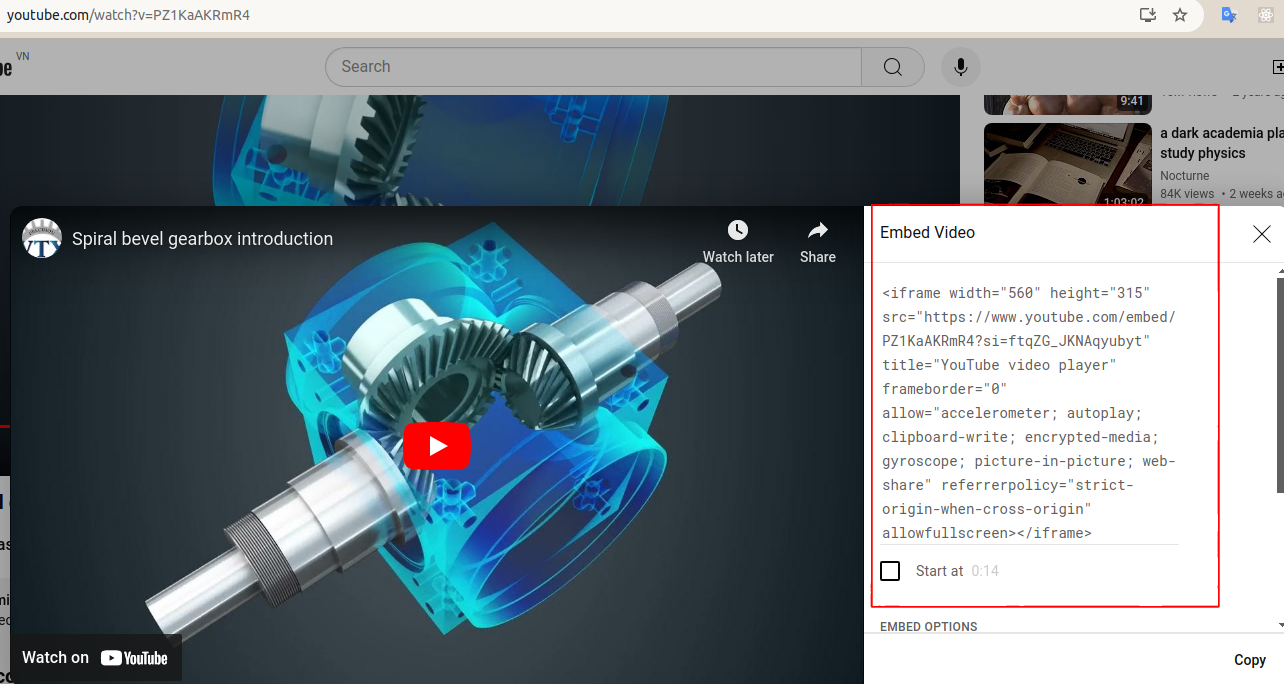
It is the link share only, so if you need to embed video you need to click share button > embed > and copy the embed code with iframe. Then you use CodeMirror editor and paste the embed code inside the article. The iframe will be displayed at front page.
iframe
CodeMirror editor
Thank you very much.
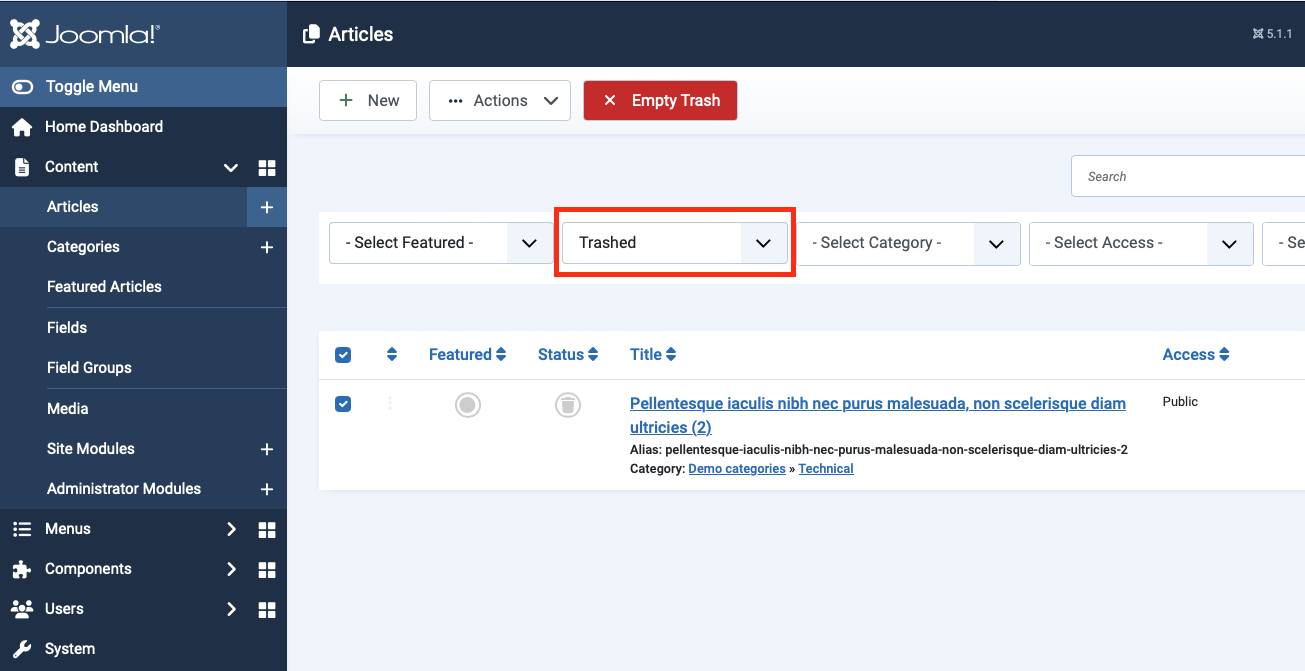
Can somebody can tell me where I can see the trash box to clean these articles we don't need? I can't see the function in the system.
nick983800 You can filter article by Trashed status and empty trash
Trashed
Hi there,
when I type our domain, it always show xxx.com/en/ the question is how do I remove the language from the domain, such like >>>> xxx.com
With Best Regards, Nicholas Chen
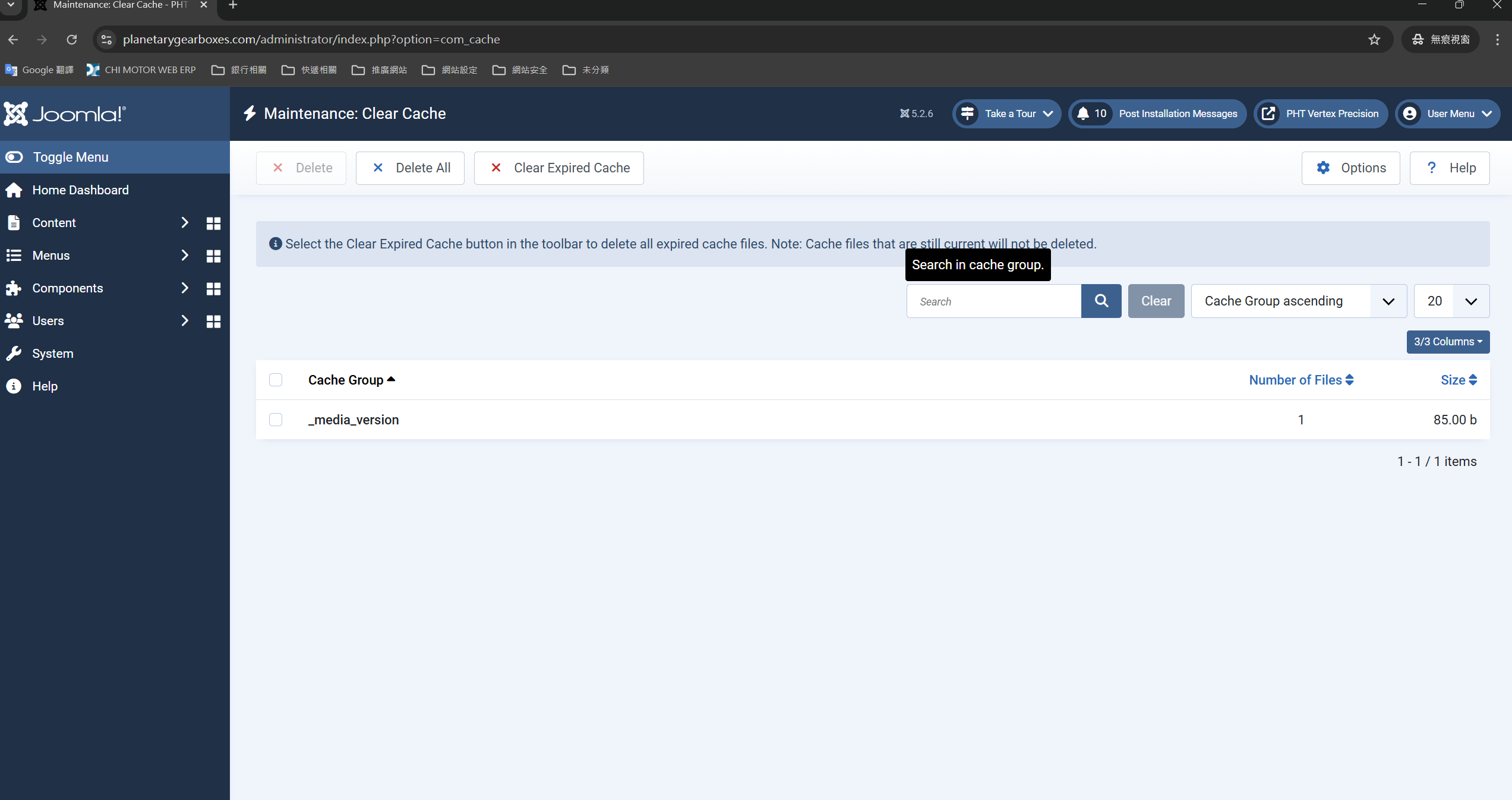
It's a Clear Cache issue.
My environment is:
Joomla, 5.2.6
Business Line Template version 1.1.0
S5 Vertex Framework version 4.3.2
When I clear the cache, why it can't really be clean, and always leave a "Cache" name: "_media_version", please see the attachment.
Hi nick983800
I tested and confirm, this is Joomla default.
Regards.